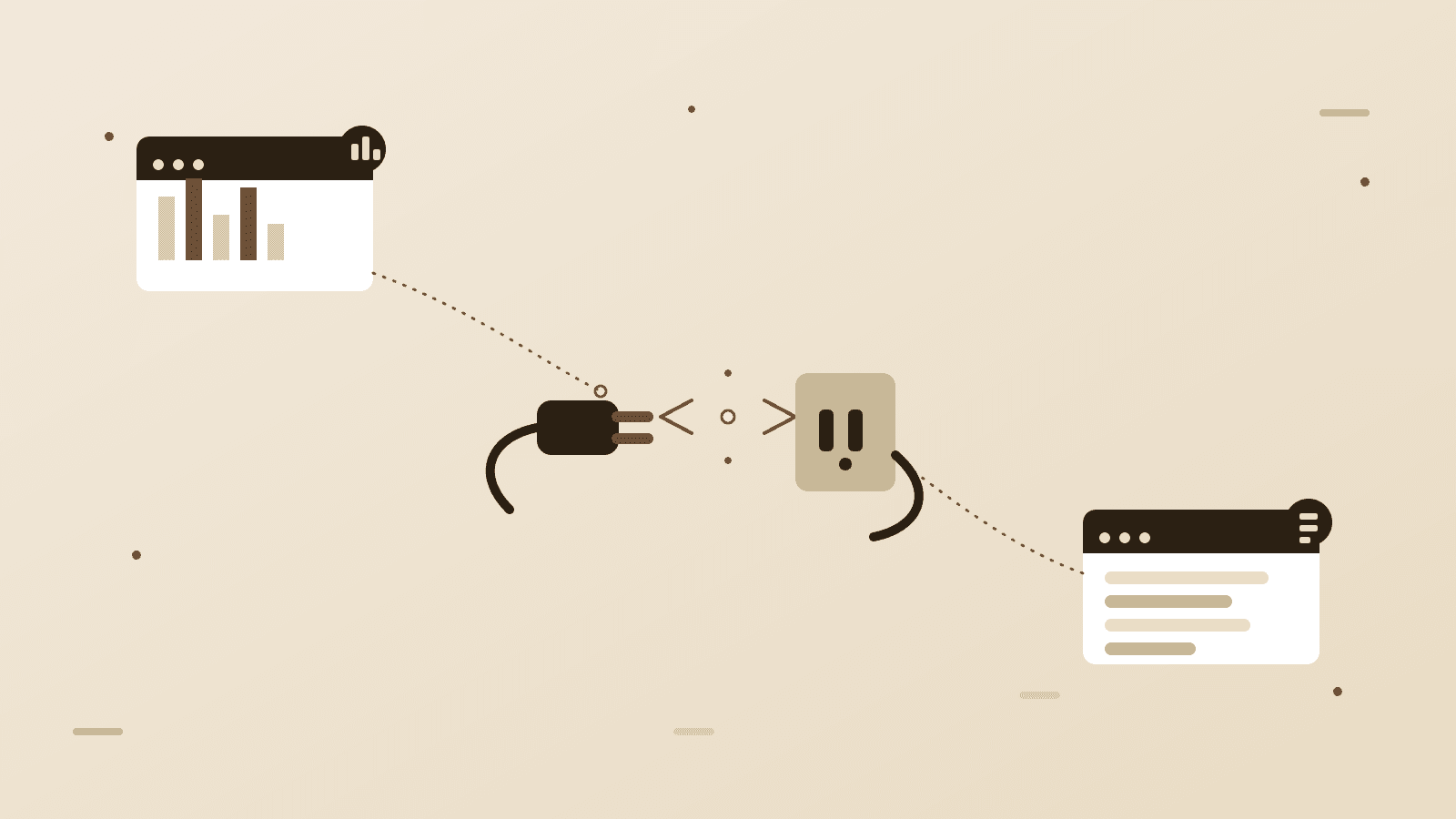
Someone books an appointment on your website. That booking sits in your scheduling tool until someone copies the customer's name and email into your CRM. Later, someone else copies it again into your invoicing software to send a bill. Three tools, three logins, three manual copies of the same six facts about one person. Do that a few hundred times a year and it's not a minor annoyance anymore, it's a part-time job nobody was hired to do.
This isn't a sign you picked bad software. It's usually the opposite. Most small businesses get here by picking the best tool for each job: the best scheduling app, the best accounting software, the best CRM. Each one is genuinely good at what it does. Nobody ever sat down and designed how they'd work together, because when you bought them, "working together" wasn't the question you were answering.
The cost is bigger than the annoyance suggests. Every manual copy is a chance for a typo, a skipped step, or someone just not getting to it today. Multiply that across a year and you end up making decisions off a CRM that's missing a third of last month's customers, or chasing an invoice that was never actually created because whoever was supposed to enter it was out sick that day.
1. The real problem is almost always one specific handoff, not "our systems don't work together" in general. Somewhere, one piece of information, a new customer, a paid invoice, a completed booking, needs to move from Tool A to Tool B, and right now a person is doing that job. Naming that one movement precisely is the actual starting point. "Fix our systems" isn't a task anyone can start on. "When someone books online, create a CRM contact and send a confirmation email" is.
2. No-code automation tools solve a surprising amount of this cheaply. Services built specifically to connect apps through pre-built triggers and actions can wire your booking tool to your CRM, or your CRM to your invoicing software, without anyone writing a line of code. Setup measured in hours, not weeks. If both of your tools already have a connector and the logic is genuinely "when this happens, do that," this is usually the right first move, and it's worth trying before paying anyone for anything more custom.
3. Custom integration exists for the cases that outgrow that. Once the logic gets more involved than a simple trigger, when it depends on conditions, pulls from more than two systems at once, involves a tool with no existing connector, or runs at a volume where per-task automation fees start adding up to more than a developer's time would have cost, a direct integration built against each system's own API is the better answer. It costs more upfront and takes more thought, but it isn't renting logic from a third-party platform that can change its pricing or shut down a feature you depend on.
4. Connecting broken data doesn't fix it, it just spreads it faster. If your CRM already has duplicate contacts or half-filled records, wiring it to two more systems means that mess now shows up in three places instead of one, updated automatically. A short cleanup pass before you automate anything is almost always worth the time it takes.
5. Watch the instinct to solve this by replacing everything with one giant all-in-one platform. Sometimes that's genuinely the right call, if one platform actually covers everything you need well. More often it trades three tools your team likes and knows for one tool that's mediocre at all three jobs, purely so there's a single login. Connecting the specialized tools that are already working tends to be cheaper, less disruptive, and less risky than ripping them all out.
None of this requires guessing whether the answer is a no-code tool, a custom integration, or nothing at all yet. It requires someone actually looking at what's moving between your systems today and what it would take to make that automatic. That's a diagnosis, not a pitch for whichever platform we happen to resell. We look at the real workflow, tell you the smallest fix that actually closes the gap, and build it, without a retainer for integrations you don't need and without a ticket queue standing between you and the person who wrote the thing.
Have a project in mind?
Start a project